

More than one branch, and everyone sees what is theirs
When a shop grows to two or three branches the questions become: who sells where, and who sees what? In Kulnabooks each branch has its own figures, each person has a role, and every change is recorded against whoever made it.
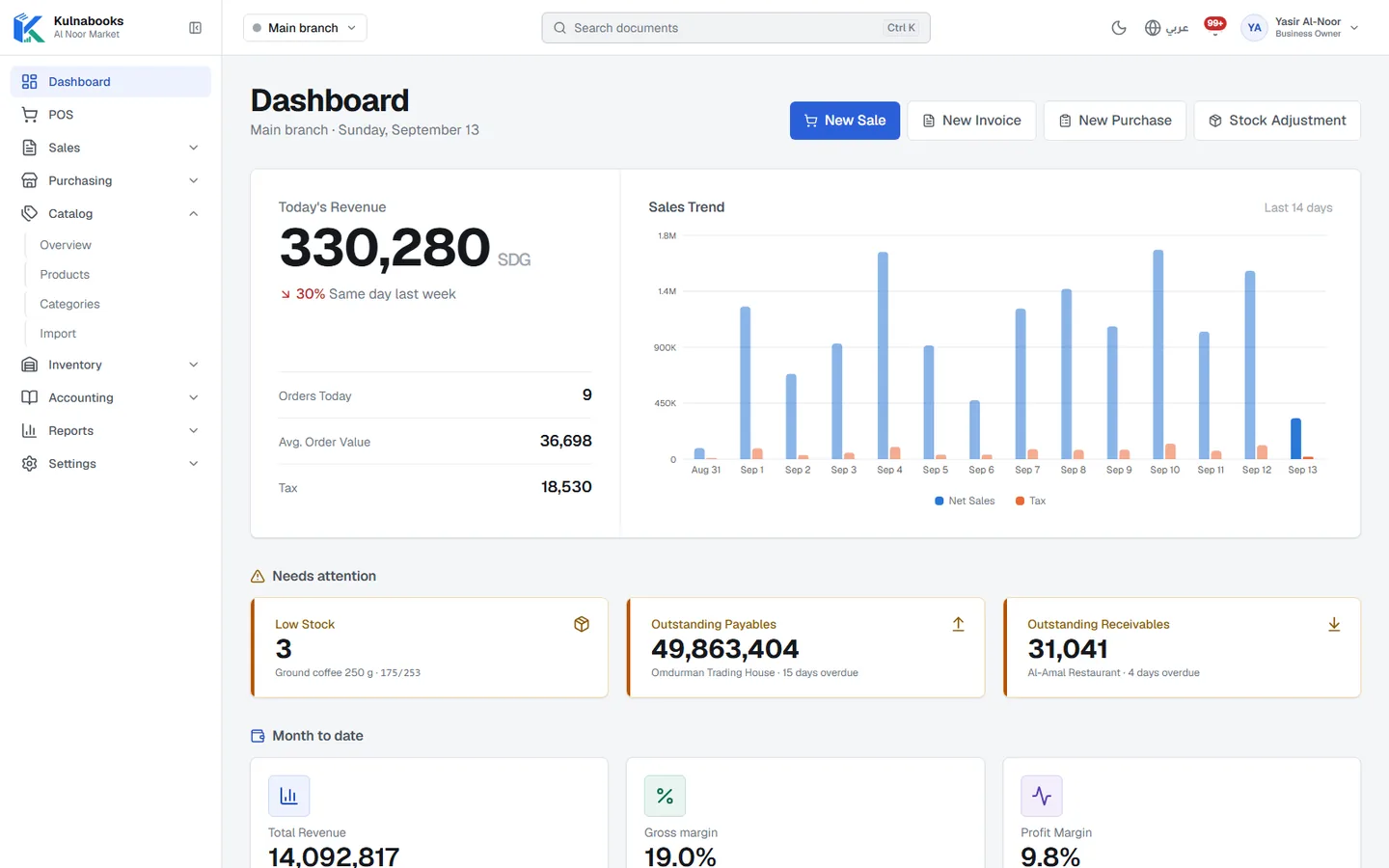
Every branch, its own figures
Stock, warehouses and tills per branch, with its own numbering for invoices, returns and purchase orders. Reports for one branch or all of them.
Tills approved first
A new till cannot sell until a manager approves it, so no till opens in your branch without you knowing.
Invite your team by e-mail
Send an invitation by e-mail with a role, resend or revoke it, and put the person in one branch or in all of them.
Ready-made roles, or your own
Owner, accountant, branch manager and cashier come ready. Or build your own role with a permission matrix that sets what each person sees and can do.
Safer sign-in
Require every user to enter a code sent to their e-mail. Cashiers open the Windows app with their PIN, even offline.
Who changed what
The audit log shows every change: who made it, when, from which device, and the value before and after.
Your plan sets how many branches, users and tills you can have, and you can move to a bigger plan whenever you need to without losing your data.
More of the platform
Purchasing & suppliers
Purchase orders, part deliveries and supplier balancesGoods & stock
Every item’s stock in every branch, with barcodes and expiryThe till
Barcodes, receipts and shifts, in a browser or on WindowsCash & bank transfer payments
Each transfer with its reference, and the drawer counted at shift closeOffers & coupons
Automatic or coded discounts, with dates and limitsInvoices & quotes
PDF invoices with a QR code, and quotes that become invoicesCustomers & credit
A credit limit for each customer, and a PDF statementCounter hardware
Thermal printer, barcode scanner and cash drawerAccounts
Entries that post themselves from every sale and purchaseReports & numbers
The owner’s dashboard, and reports you filter and export
Open your shop in Kulnabooks
Sign up, name your business and your first store, and start adding products.