

Sell on credit and know what every customer owes
Credit is part of everyday trade; the trouble is when it is forgotten. In Kulnabooks what is sold on account goes on that customer’s own account, from the till or from an invoice, and stops at the limit you set.
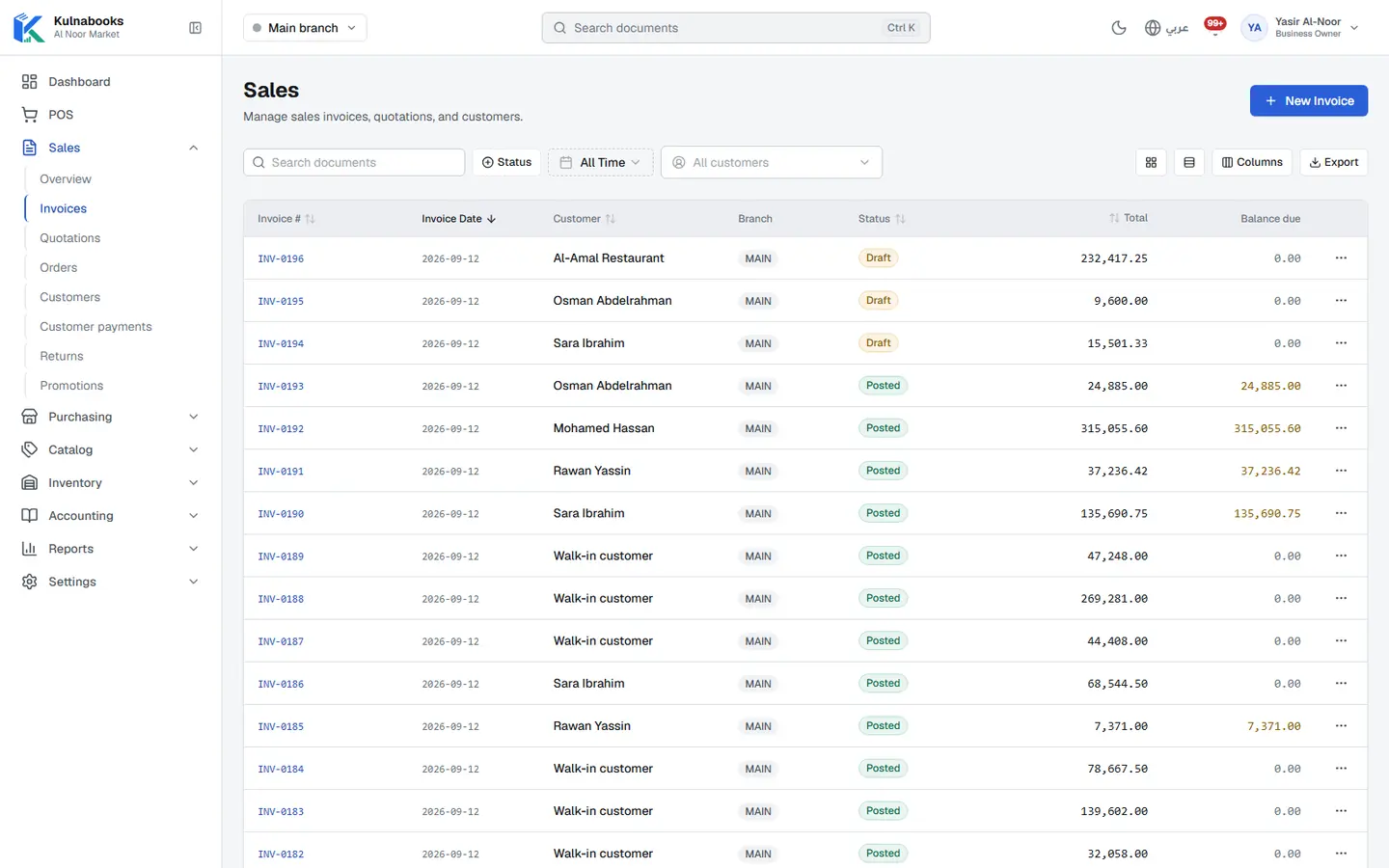
A record for every customer
Name in Arabic and English, phone, e-mail and address, tax number, an opening balance for what they owed before Kulnabooks, and your notes.
A credit limit that holds
Set a limit per customer, and no invoice that goes past it can be posted, at the till or in the back office.
On account at the till
Pick the customer in the basket and put all or part of the sale on their account, in the browser till and in the Windows app, for customers who have a credit limit.
Collect and allocate
Record what the customer pays and allocate it to their open invoices, so both of you know what is settled and what is left.
Statements as PDF
Download a customer’s statement as a PDF with its movements and balance, to show them or send on.
Who is late, and by how much
The receivables aging report spreads what you are owed across customers by how overdue it is, and the owner’s dashboard flags overdue receivables.
Kulnabooks does not e-mail statements yet, and has no price lists per customer or per customer group.
More of the platform
Purchasing & suppliers
Purchase orders, part deliveries and supplier balancesGoods & stock
Every item’s stock in every branch, with barcodes and expiryThe till
Barcodes, receipts and shifts, in a browser or on WindowsCash & bank transfer payments
Each transfer with its reference, and the drawer counted at shift closeOffers & coupons
Automatic or coded discounts, with dates and limitsInvoices & quotes
PDF invoices with a QR code, and quotes that become invoicesCounter hardware
Thermal printer, barcode scanner and cash drawerAccounts
Entries that post themselves from every sale and purchaseReports & numbers
The owner’s dashboard, and reports you filter and exportBranches & team
Each branch its own figures, each person their own permissions
Open your shop in Kulnabooks
Sign up, name your business and your first store, and start adding products.