

Runs on the machines already in your shop
Kulnabooks is software. It sells no hardware and ties you to no supplier. Run it on the counter PC with a receipt printer and a cash drawer, or on a tablet or phone in the browser.
Thermal receipt printers
Kulnabooks POS for Windows prints to 58 mm and 80 mm thermal printers that take ESC/POS commands: your logo, Arabic text, the receipt’s barcode and its QR code.
The cash drawer
The Windows app opens the cash drawer as a cash sale’s receipt prints: no extra button, and no connection needed.
Barcode scanners
A USB barcode scanner works as soon as it is plugged in, in the Windows app and in the browser till.
A browser on anything
Any computer, tablet or phone with a modern browser runs the back office and the browser till, and the browser till prints through the browser’s print dialog.
Barcode labels
Print barcode labels from a product’s page, for goods that arrive without one.
Every till approved
A new till cannot sell until a manager approves it, and your plan sets how many tills you can run.
Kulnabooks does not print to the receipt printer built into a handheld, does not connect to card payment terminals, and does not read scale barcodes for goods sold by weight.
The three setups we see on shop counters
And what Kulnabooks does on each. The terminal, the printer and the drawer are bought separately.
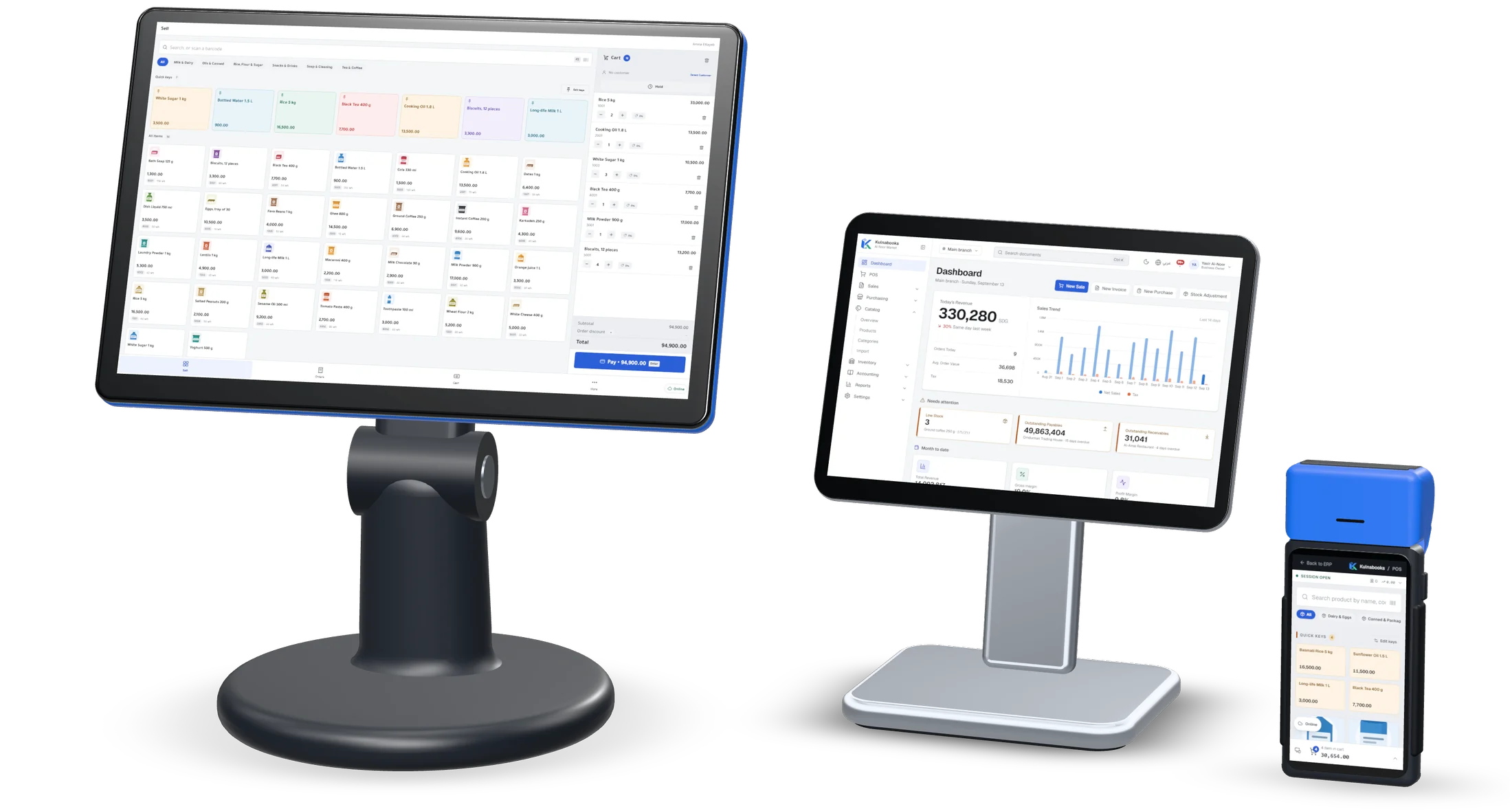
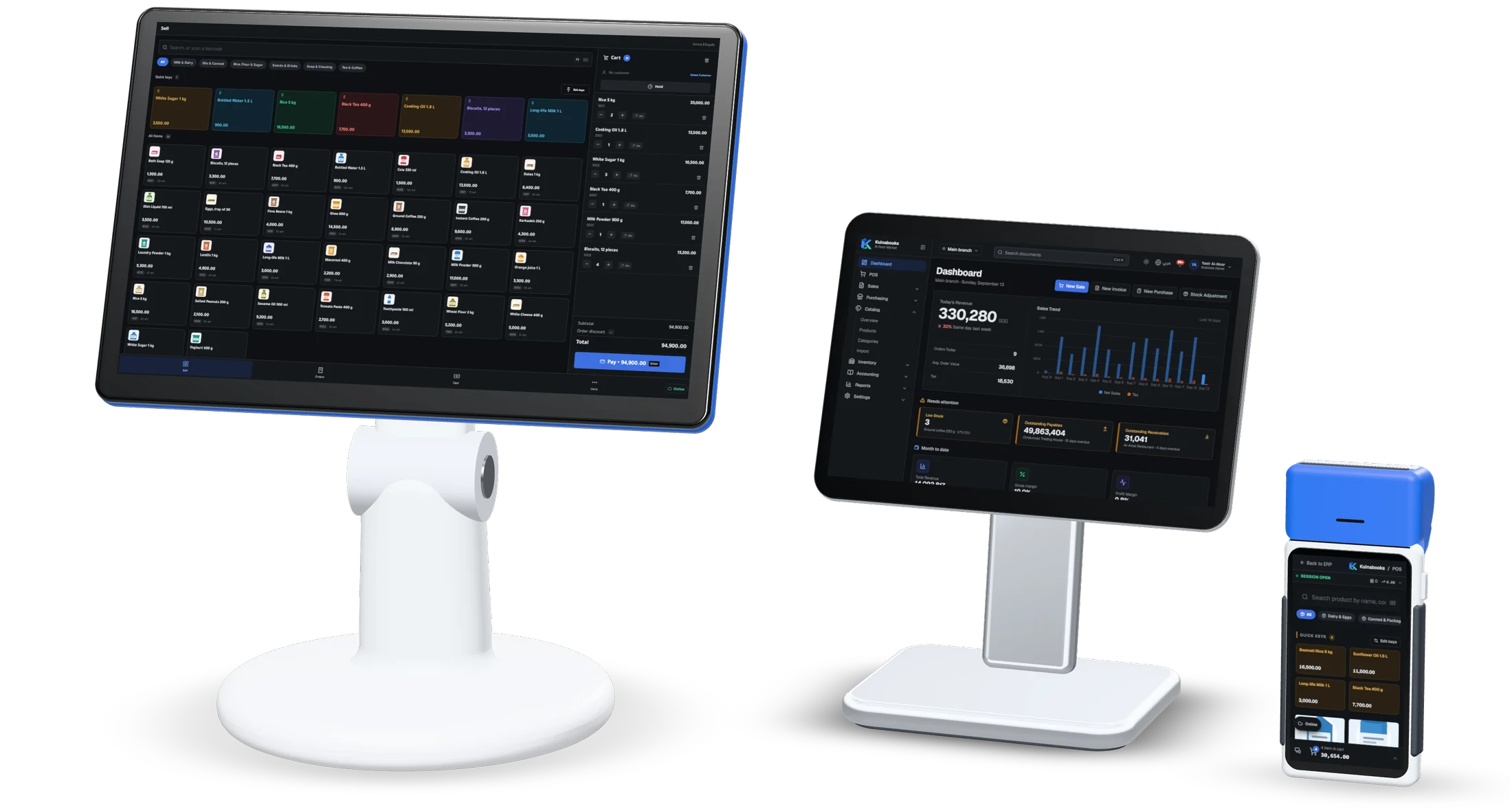
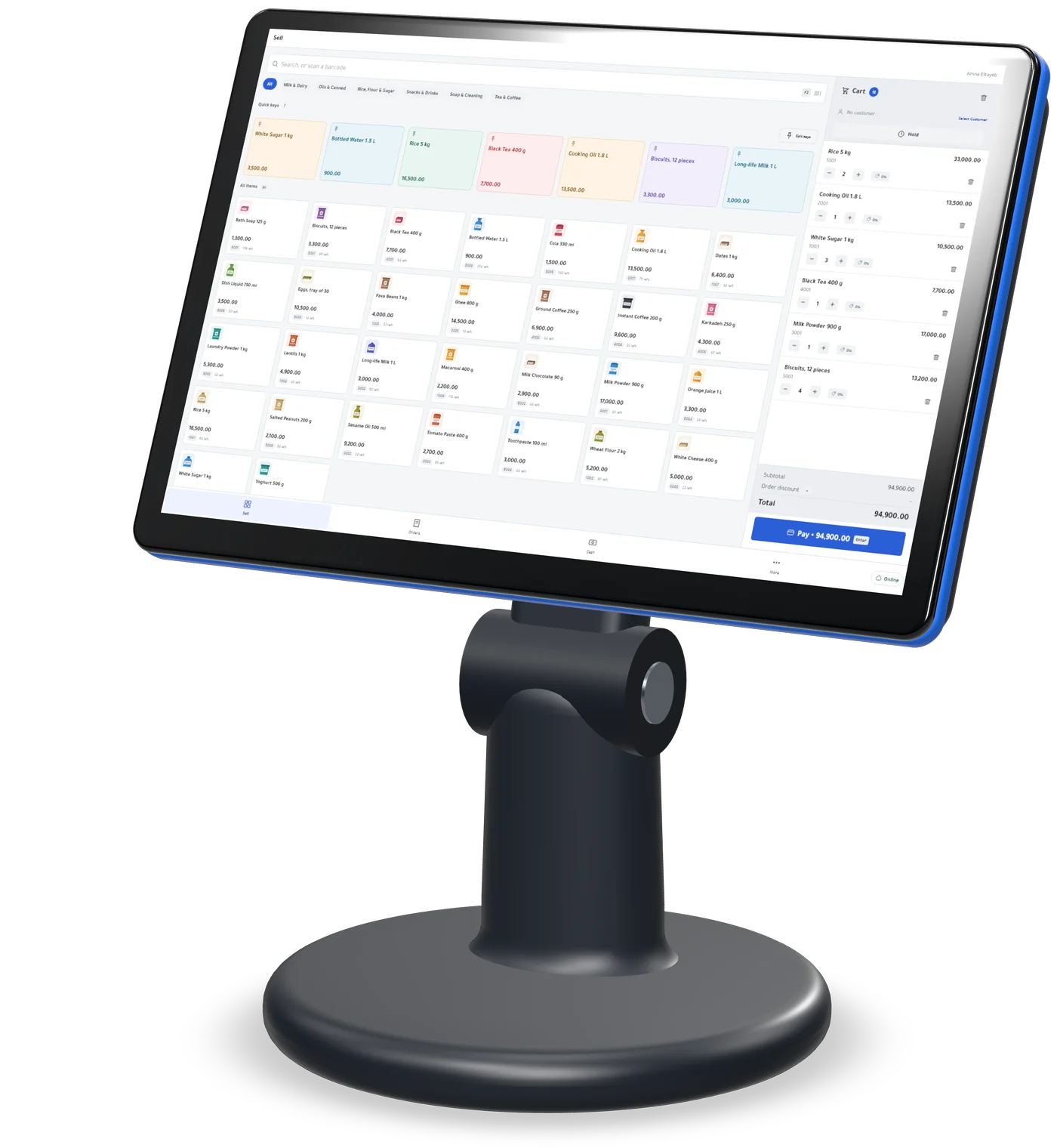
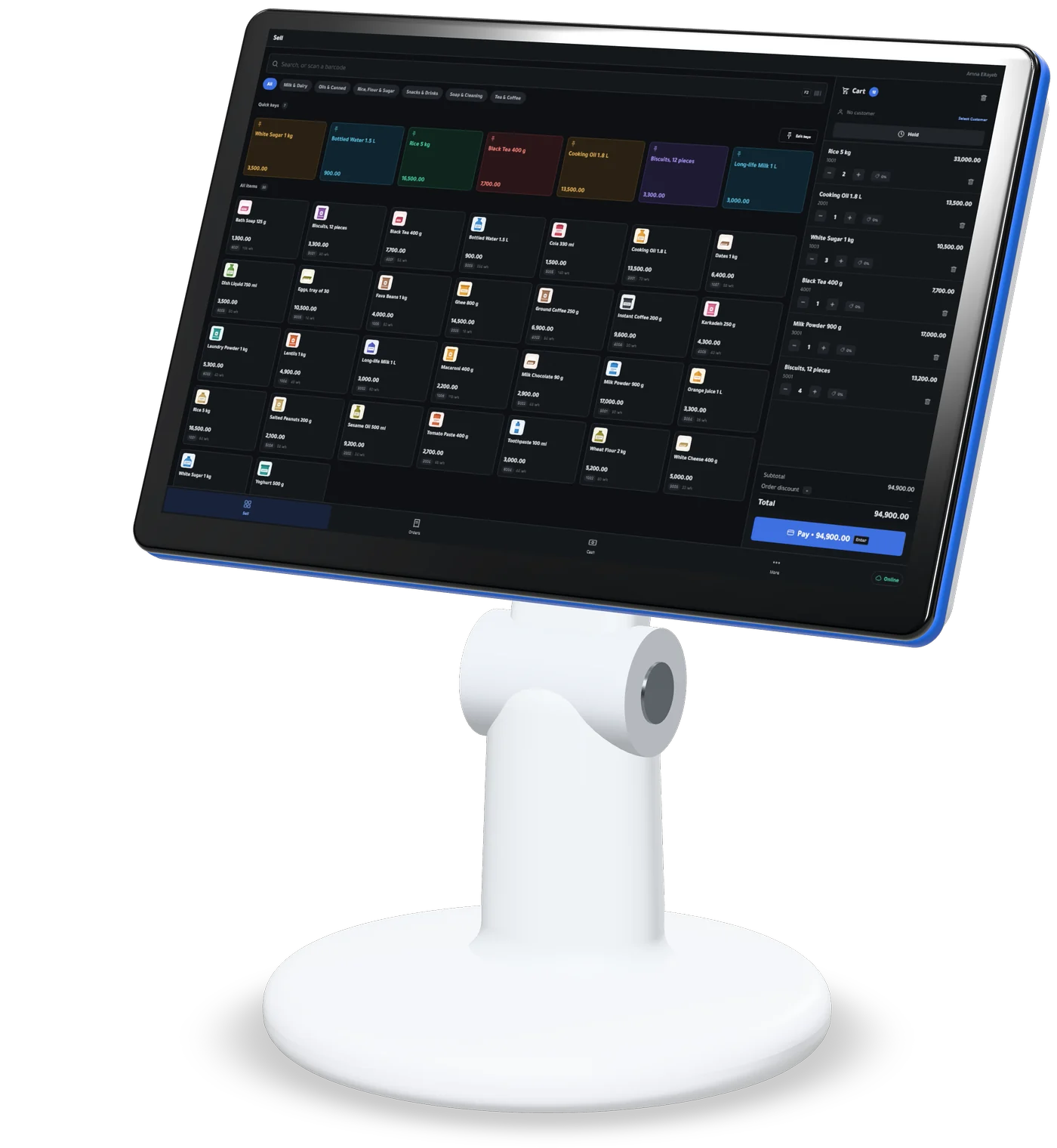
Counter terminal
A touchscreen PC on the counter, running Kulnabooks POS for Windows.
- Prints receipts on 58 mm and 80 mm thermal printers, in Arabic
- Opens the cash drawer as a cash sale’s receipt prints
- Keeps selling and printing with the internet down
- A USB barcode scanner works as soon as it is plugged in
- Sends every sale to the back office, in order, when the line returns
The terminal, printer and drawer are bought separately. Kulnabooks is the software.
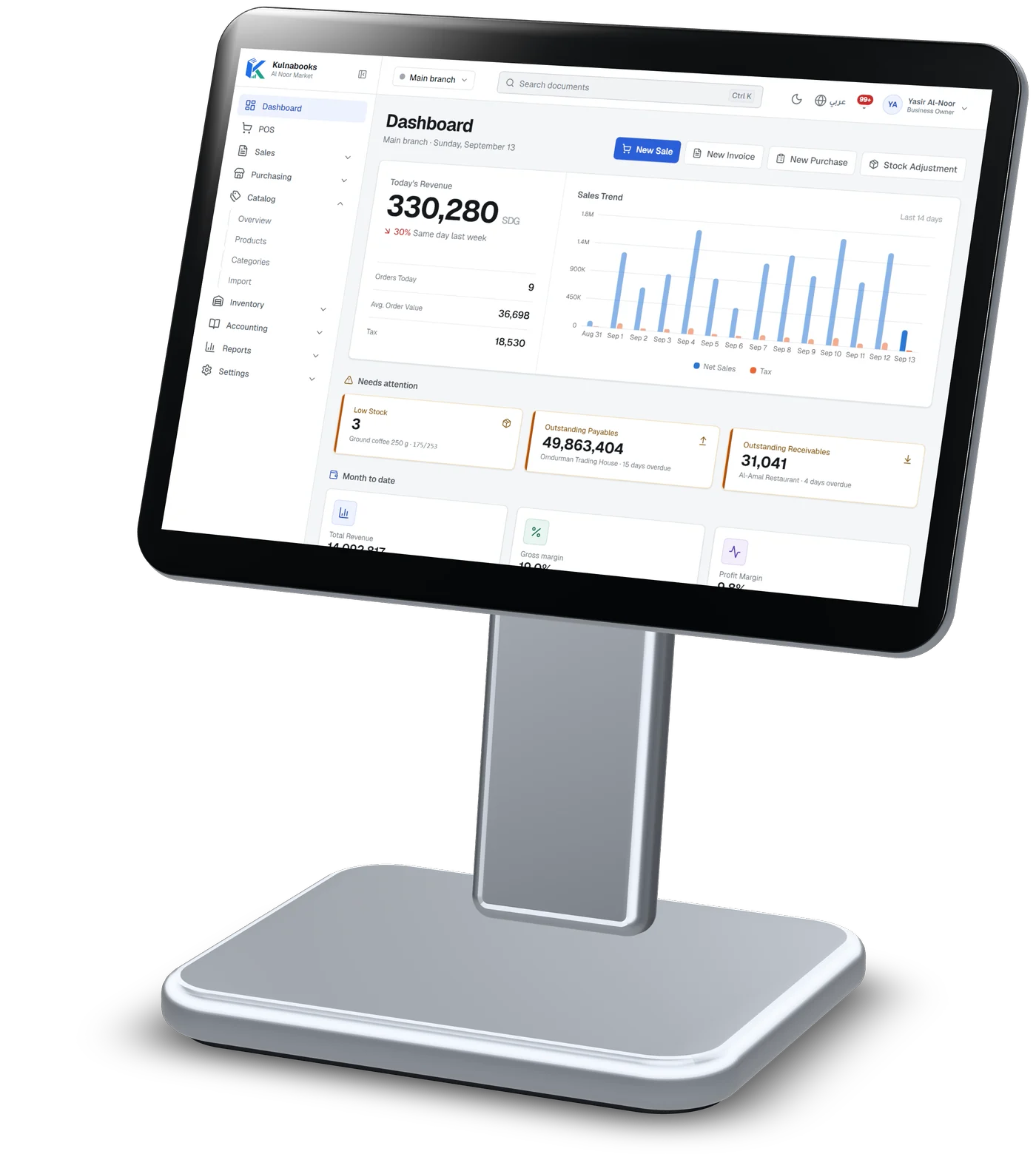
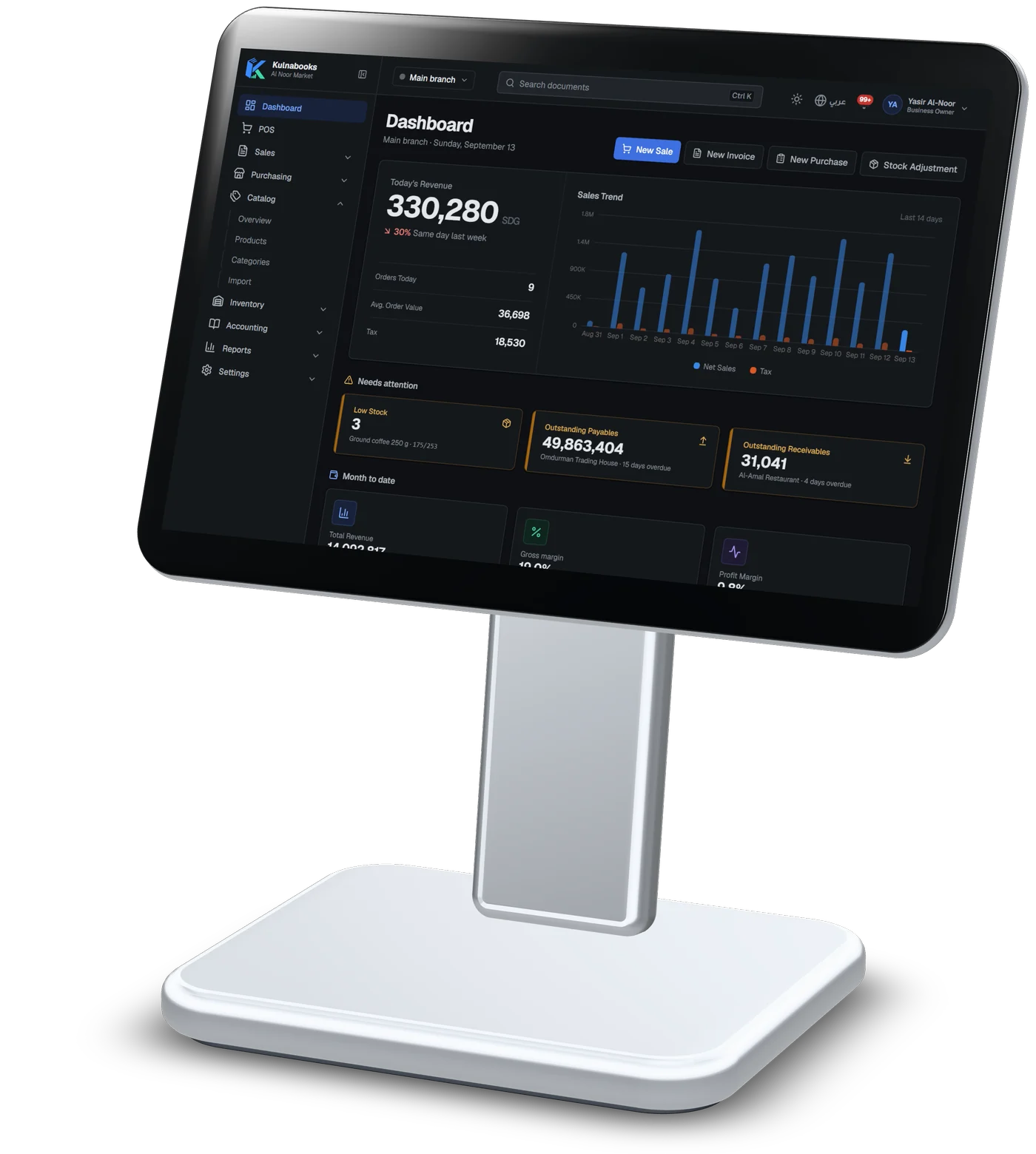
Tablet on a stand
Any tablet with a modern browser: the back office, or the till.
- Products, stock by branch, purchasing and reports
- Every till’s sales show up in stock and the books as they arrive
- Arabic right to left, or English, switched at any time
- Runs the browser till too, with one open shift per branch at a time
The back office needs a connection. Only the till sells offline.
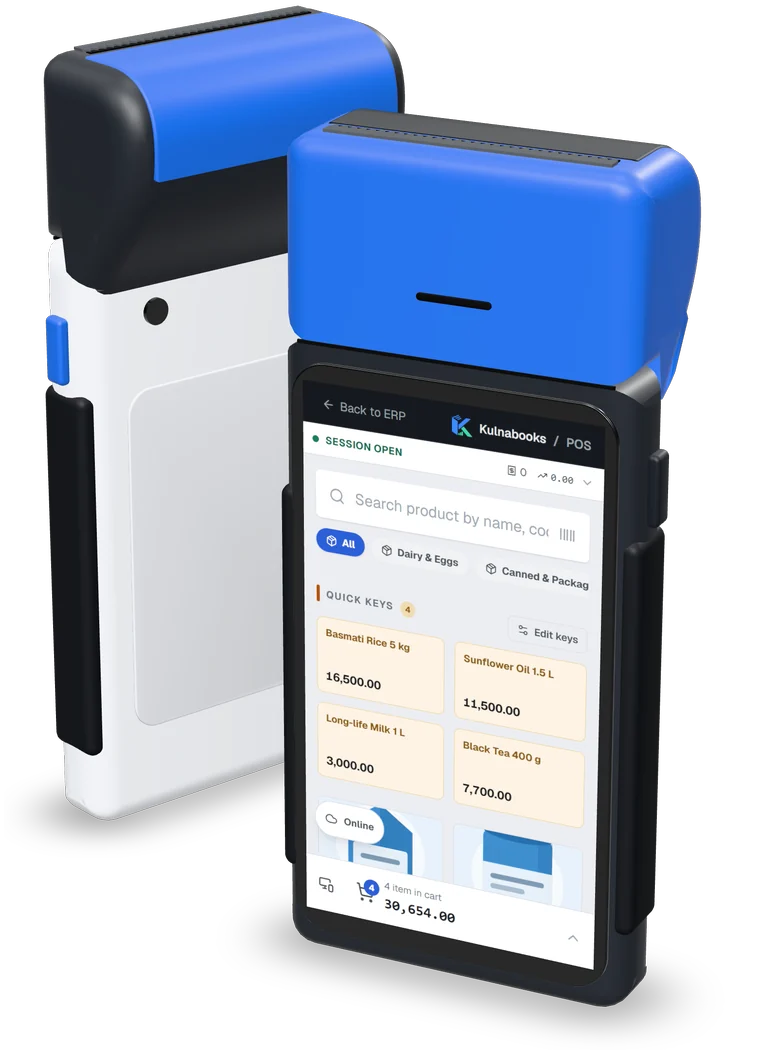
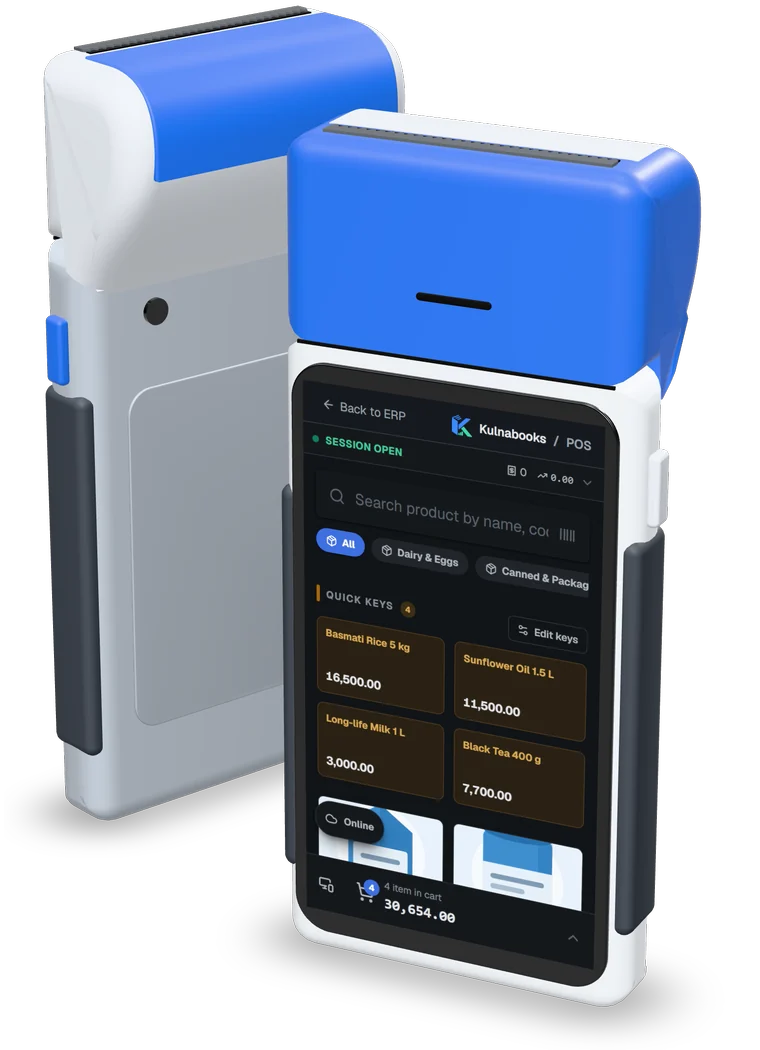
Handheld
An Android handheld or a phone, with the Kulnabooks till open in its browser.
- The till laid out for one hand: search, quick keys and the basket total
- Keeps the product list on the device and sells while offline, with no cap on how many
- Records bank transfers with each transfer’s reference
- Every sale lands in the same stock and reports as the counter
Kulnabooks does not print to a handheld’s built-in receipt printer. The receipt is shown on screen.
More of the platform
Purchasing & suppliers
Purchase orders, part deliveries and supplier balancesGoods & stock
Every item’s stock in every branch, with barcodes and expiryThe till
Barcodes, receipts and shifts, in a browser or on WindowsCash & bank transfer payments
Each transfer with its reference, and the drawer counted at shift closeOffers & coupons
Automatic or coded discounts, with dates and limitsInvoices & quotes
PDF invoices with a QR code, and quotes that become invoicesCustomers & credit
A credit limit for each customer, and a PDF statementAccounts
Entries that post themselves from every sale and purchaseReports & numbers
The owner’s dashboard, and reports you filter and exportBranches & team
Each branch its own figures, each person their own permissions
Open your shop in Kulnabooks
Sign up, name your business and your first store, and start adding products.